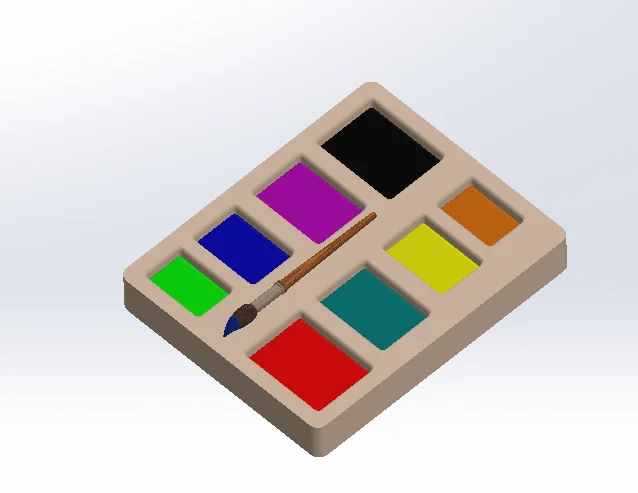

Patterning a feature/body is a common practice of designing, to duplicate the geometry without actually creating it from scratch. Many designs rely on pattern feature to create multiple instances of the geometry with same or varying dimensions.
Variable pattern is one such type which lets you arrange the features as per the selected dimensions. The pattern table can be modified to vary all the instances on a planar or curved surface.
Example 1: Creating a Linear Variable pattern
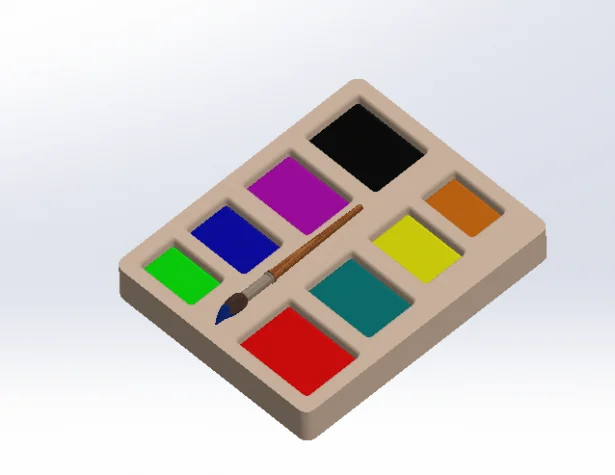
- Open Variable pattern feature dialog from linear pattern dropdown.
- Select the feature you wish to pattern and edit pattern table
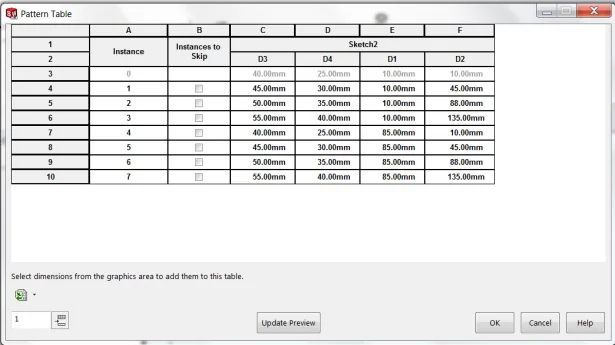
- Then select the dimensions from graphics area to add them to this table
- You can modify each dimension that has been selected to create a variety of instances.
Example 2: Creating a Circular Variable pattern
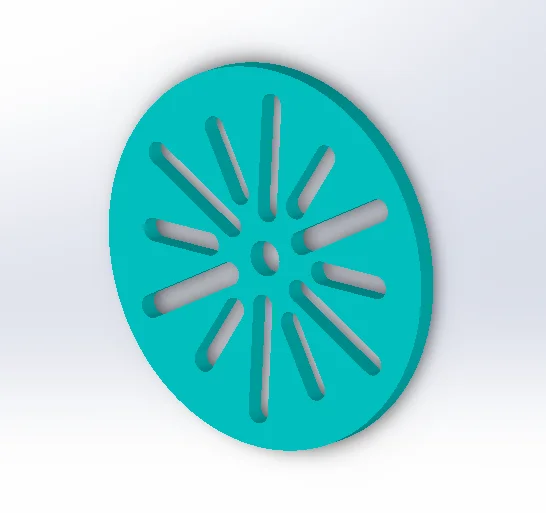
A circular varying pattern can be created using angular dimension to vary.
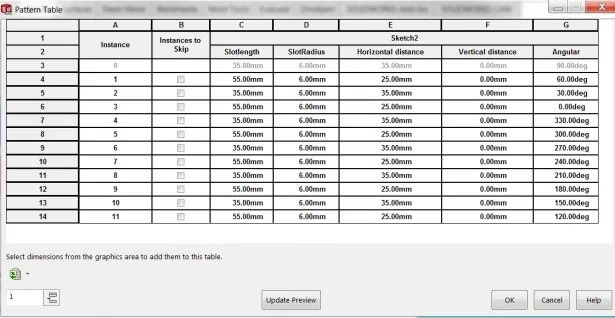
You can also import an excel sheet to this table. This functionality can help you design faster keeping your design parametric.