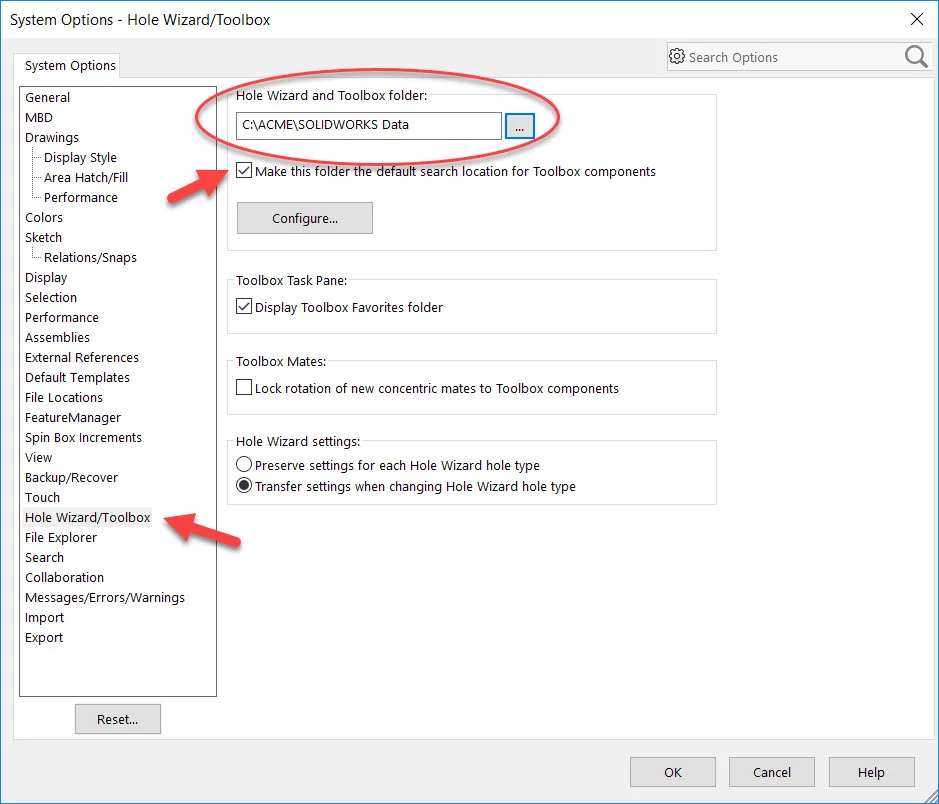
Published by: Nadheem Akhtar, Javelin Technologies
When SOLIDWORKS PDM is used to manage SOLIDWORKS Toolbox, it can perform several automated functions:
- Adding missing Toolbox components to the vault
- Creating references between Toolbox components and SOLIDWORKS assemblies
- Check out and in Toolbox components and creating new versions of Toolbox components
To setup SOLIDWORKS PDM to manage SOLIDWORKS Toolbox:
- Copy the Toolbox data “SOLIDWORKS Data” folder into the vault
- Check in the SOLIDWORKS Toolbox Data files
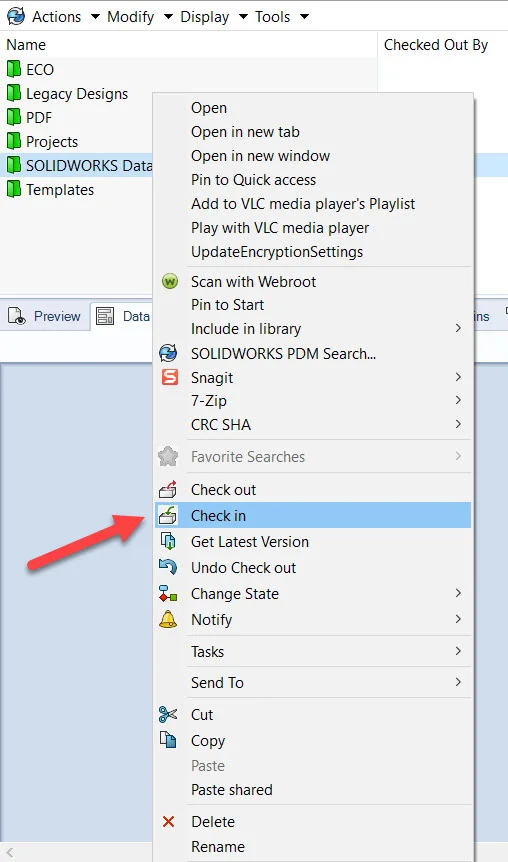
Copy and Check in SOLIDWORKS Toolbox - In SOLIDWORKS Administration Tool, Enable “Manage SOLIDWORKS Toolbox in the vault” and “Allow clients to change SOLIDWORKS Toolbox components option”
- Under the Toolbox root folder path, click on the “…” browse button, Browse to the Toolbox root directory in the SOLIDWORKS PDM Vault which was created in step 1 & 2
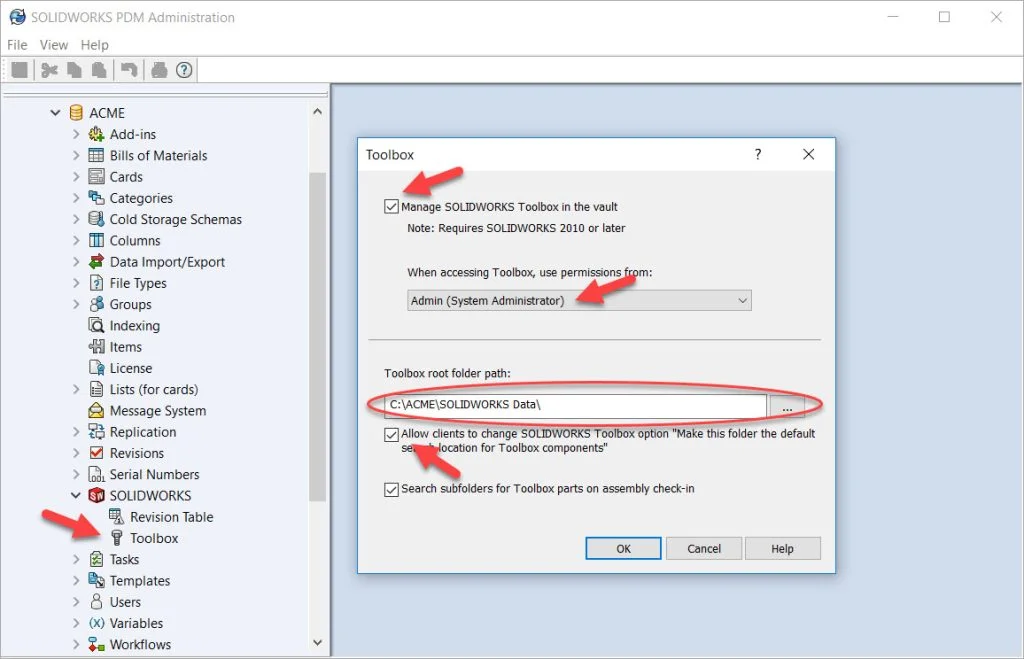
Manage SOLIDWORKS Toolbox in the vault - Once the above is complete, Go to SOLIDWORKS program, “System Options” > “Hole Wizard/Toolbox”, modify the folder part and browse to the Vault toolbox
- Make sure to enable “Make this folder the default search location for Toolbox Components”. This option will automatically update the path of the SOLIDWORKS Toolbox components once they are checked in
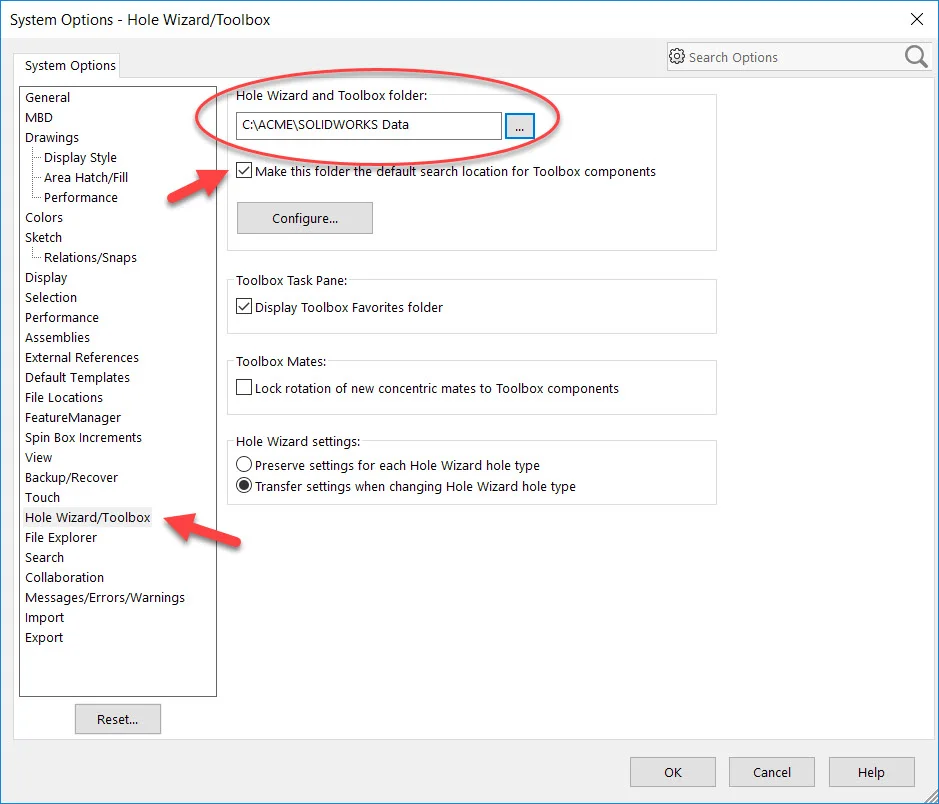
Hole Wizard/Toolbox SOLIDWORKS System Options

Javelin Technologies
Topics mentioned in this article