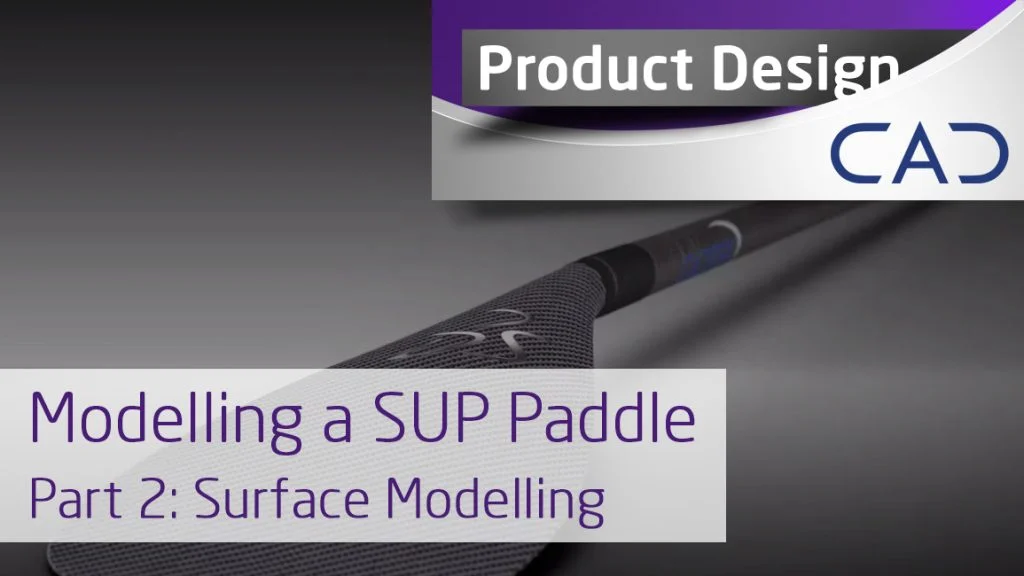
In this second half of the journey to creating a SUP paddle, Stuart looks at reference geometry and surface modelling to create the paddle & seals. Using surfacing tools and some useful hints and tips you can create complex geometry quickly and simply. Build all kinds of geometry faster and with less features than standard solid modelling.
The hints and tips you will pick up here will help you become a quicker and more effective SOLIDWORKS user, whatever industry you are in.
If you haven’t already, make sure you check out the first episode modelling the paddle shaft and handle. This covers basic and advanced Lofting.
Surface Modeling – Paddle Blade
Create complex and difficult shapes using SOLIDWORKS surfacing. Stuart will show you how to trim your surfaces to get the results you want.
See Cadtek’s original article here. For more SOLIDWORKS hints, tips and content head over to our Twitter page or our YouTube channel.
Cadtek Designer Profile – Stuart Worltey

Stuart has been with Cadtek Systems for 18 years and is key part of our application team. Between paddle boarding down the Thames river, exploring in his VW Camper-van and doing a spot of DIY he is an avid designer and always keen to explore the capabilities of SOLIDWORKS. Stuart spends a lot of his time with customers showing them what the software can do and how they can speed up their design process with simple changes to their workflows. He recently picked up the accolade of Elite Application Engineer at this years SOLIDWORKS World in LA, the highest level achievable.

jupton