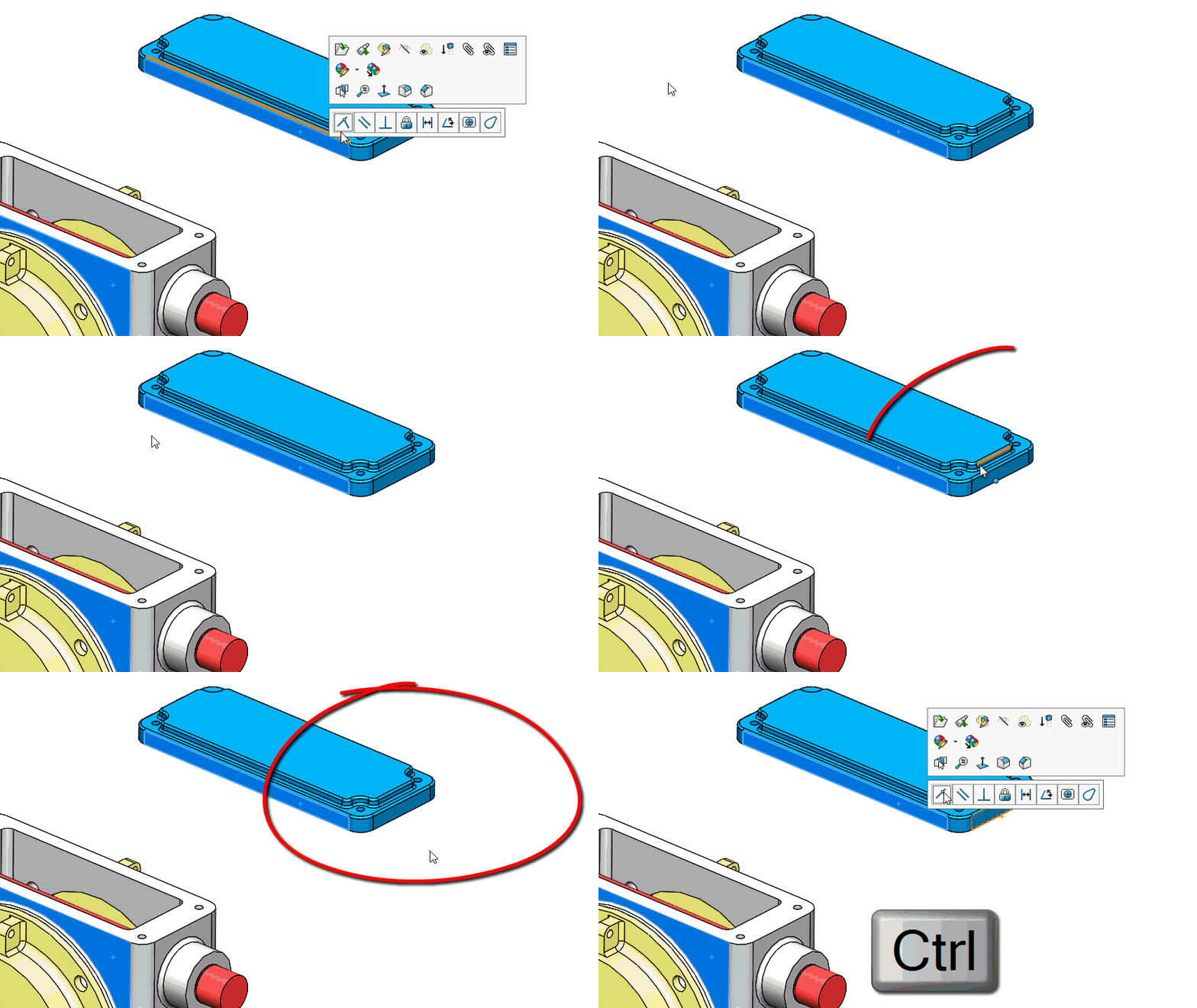
When it comes to designing, speed and efficiency definitely matter most. In SOLIDWORKS, the best way to do something usually turns out to be the quickest or most efficient way. One of the most best ways to focus on your designs and model quicker is to take advantage of the context menus that appear as you click on an item. These are those boxes that appear offering you quick access to things like sketch relations or mates.
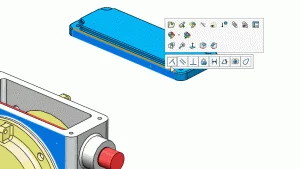
Click on an entity and a box appears; but move your mouse anywhere but directly to it and it will disappear. This may seem passive aggressive at first but really it makes sense. If you don’t immediately need or use the functionality it disappears so it won’t come between you and your model. But what if you want to use that functionality? How do you get these context boxes to appear again?
It’s easy! Just move your mouse to the area where the box was press the control key. This will bring the box back, giving you access to that quick and direct modeling functionality.


trimech