
Tutorial for SolidWorks Electrical Education Edition Academic Year 2013-2014
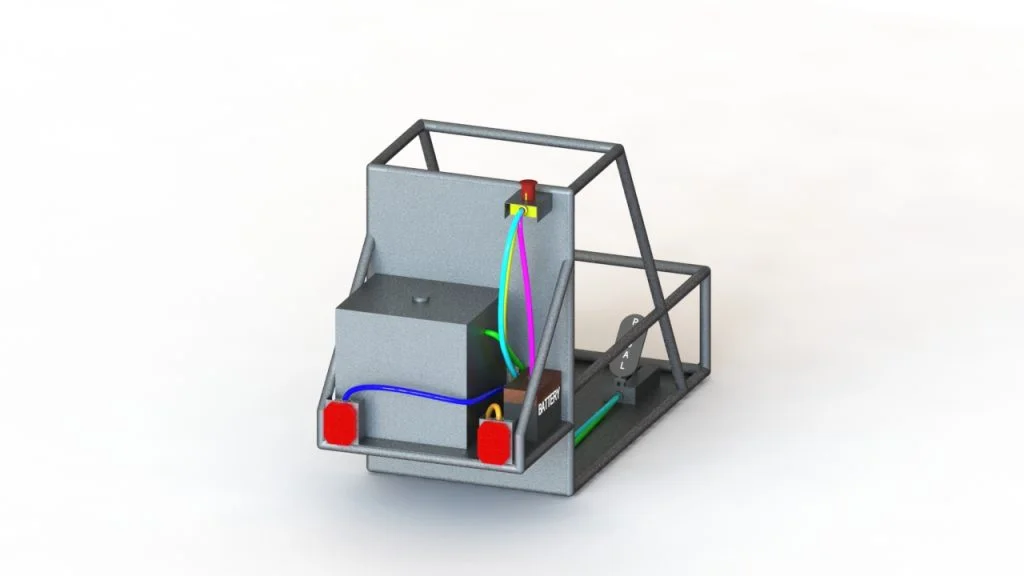
In the video below I will show you how to connect the electrical components in your assembly by routing cables or wires between them. You can then edit the cables/wires that are generated or have the cables/wires route along a pre-existing path.
The parts used in this Electrical 3D assembly can be found in the previous blog post, available by clicking here.
In the next blog post, I will explain how to use a wire harness and wire clip ties.