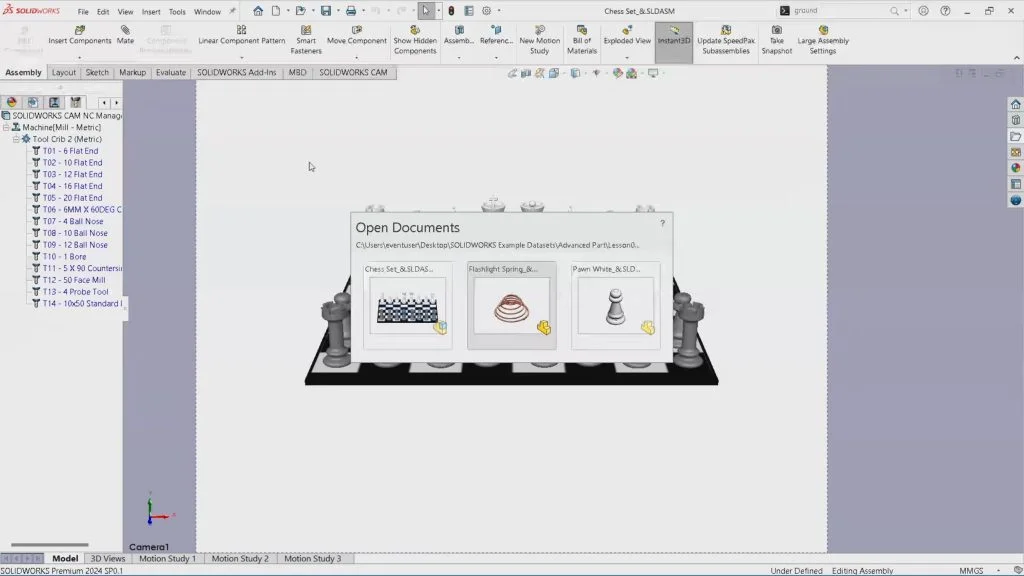

SWUGN Leader and SOLIDWORKS Champion Steve Calvert teaches his favorite time-saving tip: toggling between documents using CTRL + TAB.
By holding down the CTRL key and selecting the TAB key you will be able to see all files opened and by continuing to press the CTRL key and hitting the TAB key you will toggle your way through these files. Then just let go of both keys to view the selected file. If you’re working back and forth on the same two files, hit the CTRL and TAB real fast and let go, and it toggles back and forth. It’s fast and simple to learn and a great time saver.
Get more SOLIDWORKS tips and training at https://solidworks.com/tipwizard