
Tutorial for SolidWorks Electrical Education Edition Academic Year 2013-2014
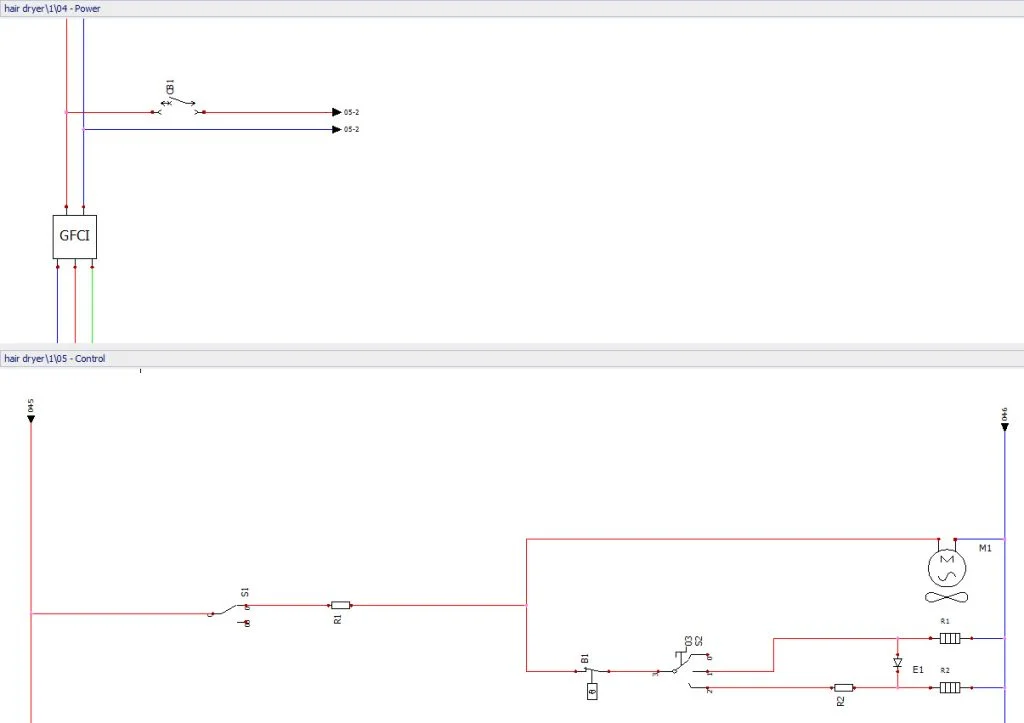
In the video below wires in a control drawing and a power drawing are connected. The Manage origin-destination arrows tool is used to create destination arrows or off-page marks. This tool can also be used if you are running out of space on the current schematic and want it to continue on another drawing.
Note: You must be using the same type of wire to be able to connect them.
Click here to download the SolidWorks Electrical project used in the video above.
The next blog post will show you how to use detailed cabling and associated symbols.