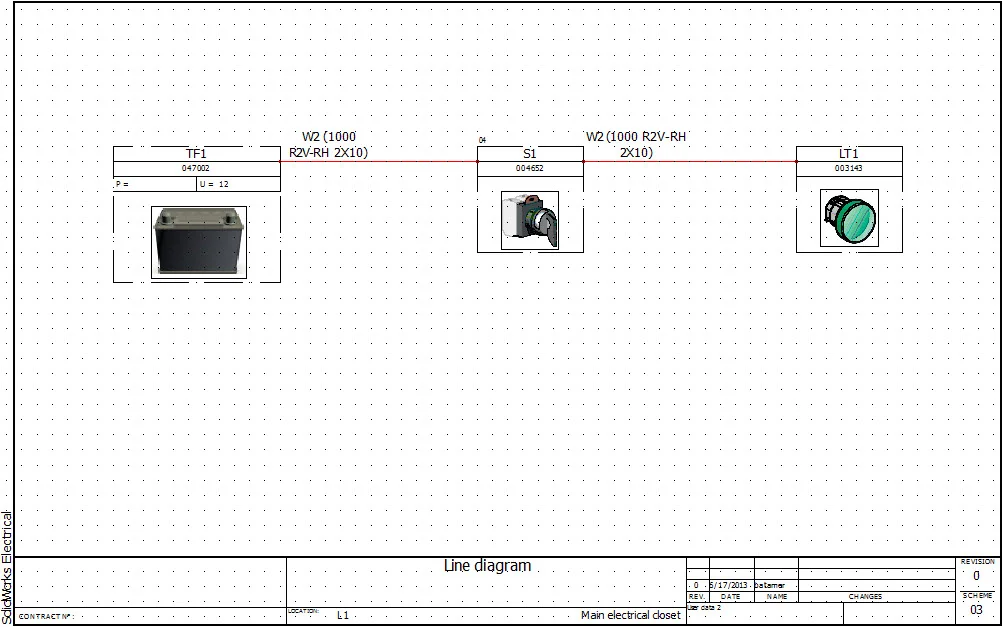

Detailed Cabling in Line Diagram
After having created a line diagram you should assign manufacturers to the parts and cables. Next, by using the detailed cabling tool you can connect the manufactured components to the cables. The video below will show you how to do this. It will also show how you can associate symbols between schematics and line diagram drawings.
To download the SolidWorks Electrical Project used in this video click here.
The next blog post will explain how to create symbols for line diagrams and schematics.