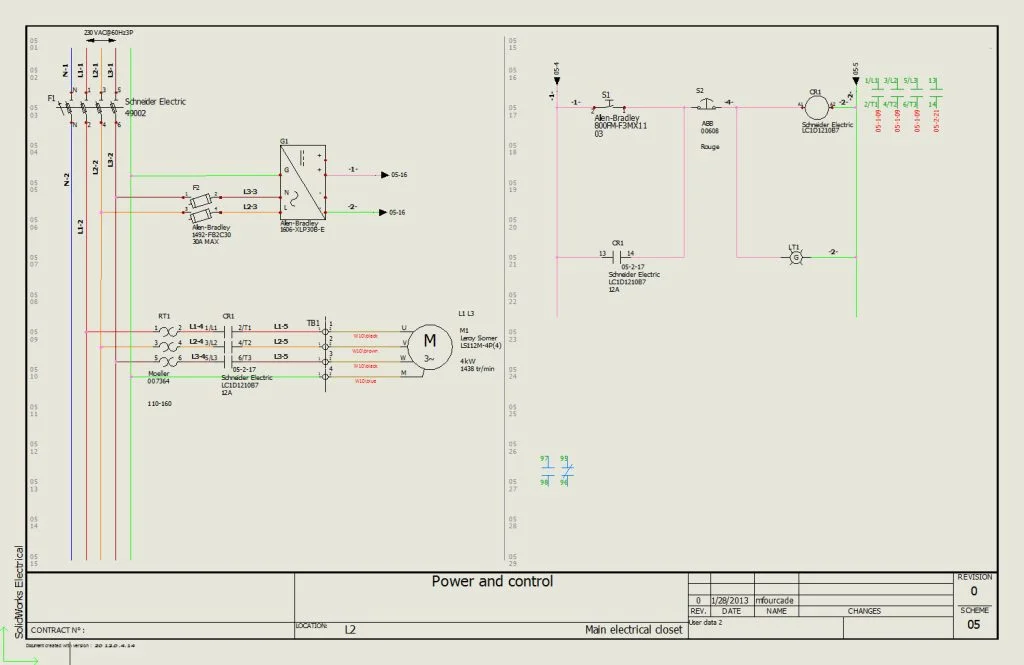

SolidWorks Electrical is a great tool for combining and integrating mechanical and electrical designs. In the video below (part 1 of 2) I will explain how to use the Projects manager in SolidWorks Electrical 2D. At the end I will also direct you to where you can find tutorials with exercises.
In the video below (part 2 of 2) I will show you how to customize and save templates, modify the quick access bar, and change the way items are displayed.
The next blog post will demonstrate how to create a line diagram in the templates you have created.