In Part 1 of this MBD How-to Video Series, we illustrated several techniques to define 3D annotations using SOLIDWORKS MBD. For example,
- Set an overall detailing standard
- Define location or size dimensions per the Geometric Dimensioning and Tolerancing (GD&T) schemes
- Create annotations to continuous features
- Call out annotations to intersection geometries
- Annotate patterns
- Modify dimension and tolerance styles.
Defining annotations is the foundation of model-based workflows, but it’s not enough. As illustrated in a previous blog post, MBD Implementation Dos and Don’ts: Organize and Present 3D PMI Clearly, it’s vital to make your MBD data consumable and actionable because people do judge a book by its cover. Hence comes Part 2 of this How-To tutorial video series.
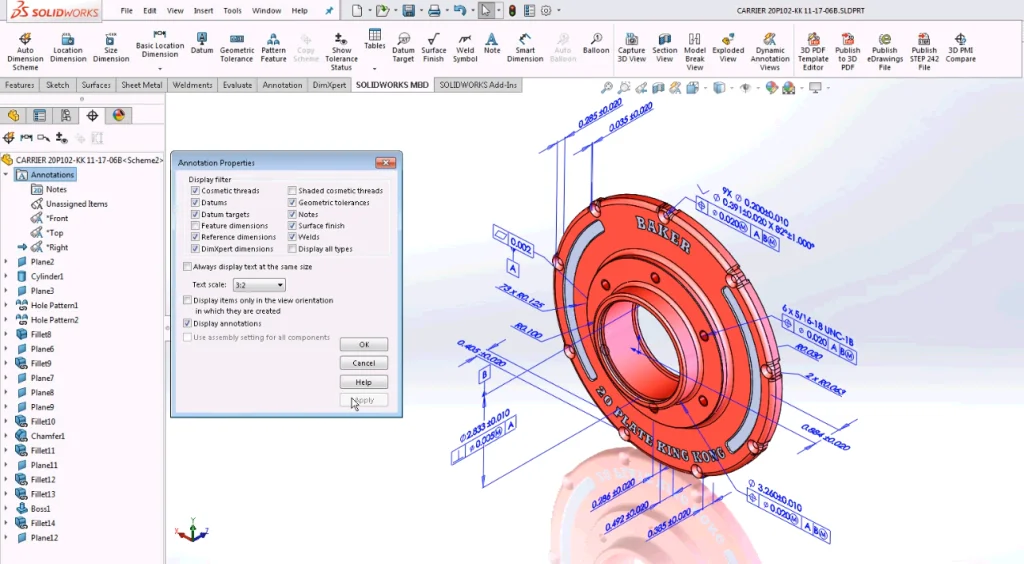
In this video, Chris Pagliarini illustrated several widely used tools to present MBD data:
- Adjust text scale
- Assign callouts to annotation views.
- Capture 3D views for various use cases
- Set different display styles.
- Organize notes, tables and statements in 2D Notes Area
- Cut section views.
These techniques will not only make your SOLIDWORKS MBD data more presentable, they will also lay out a solid foundation to 3D PDF publishing. More details will be covered in Parts 3 and 4 of this video series later. Please stay tuned.
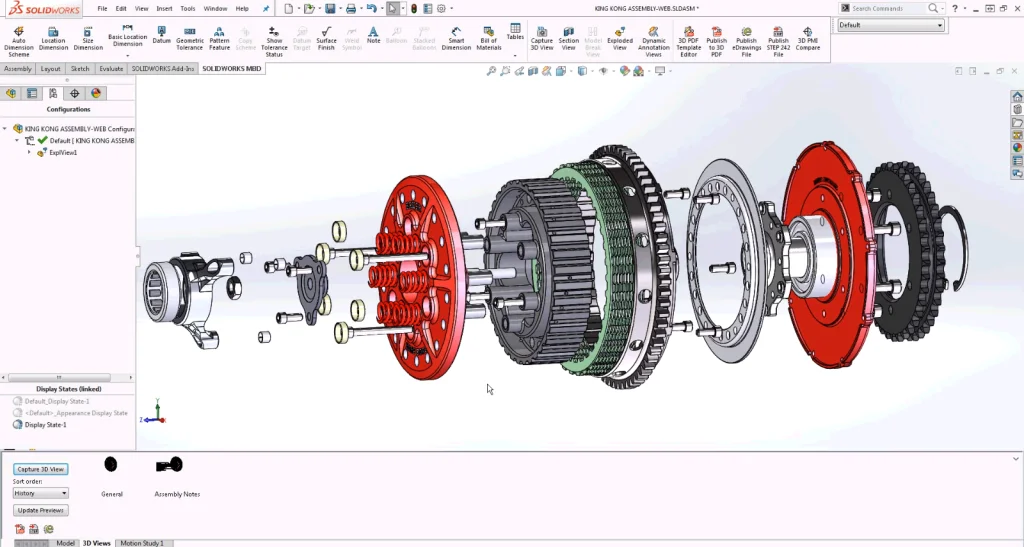
I hope you enjoyed this video. Please share your feedback in the comment area below. To learn more about SOLIDWORKS MBD, please watch this 22-minute webcast below and visit the SOLIDWORKS MBD product page.

Oboe Wu