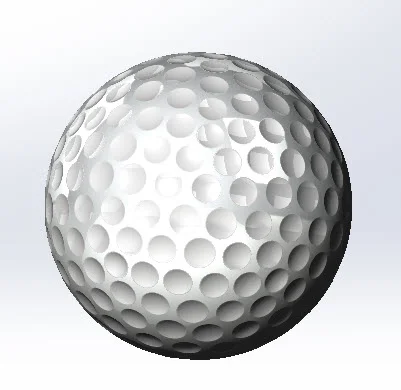
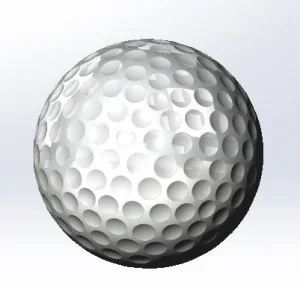
Golf Ball: The location of the dimples on the golf ball will be based on a icosahedron: a polyhedron with 20 triangular faces, 30 edges and 12 vertices. The insert part feature is used to bring a completed icosahedron model into the golf ball model as a reference for construction.
Please see the part “Moderate- Icosahedron” located on the website for SolidWorks Part Reviewer example files to examine how the icosehdron was modeled.
Download: 10-Moderate-Golf_Ball Complexity: Moderate Features used: Cut Revolve, Pattern, Mirror
View all the Part Reviewer Tutorials here.
DraftSight Download: In conjunction with DraftSight, Dassault Systèmes’ 2D CAD product, the 2D drawing(.dwg) file of the Self Centering Ring tutorial is now available for download here.

solidworks