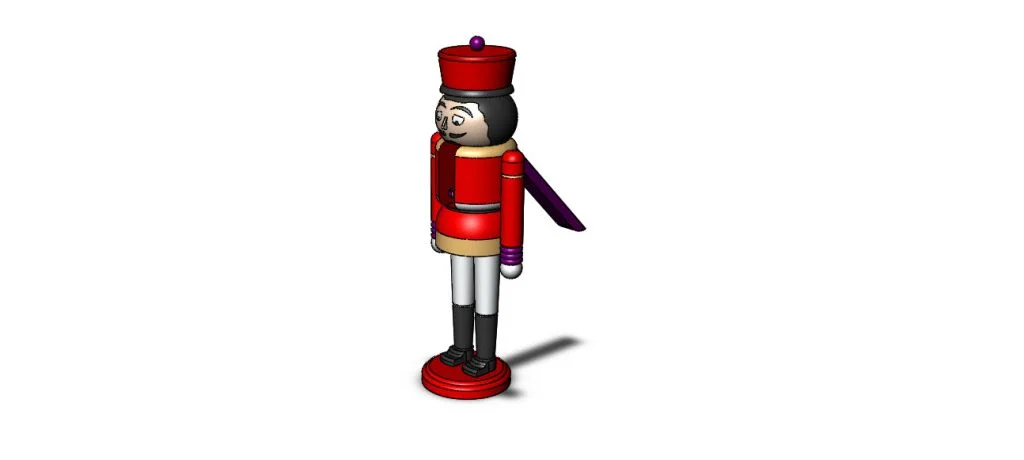
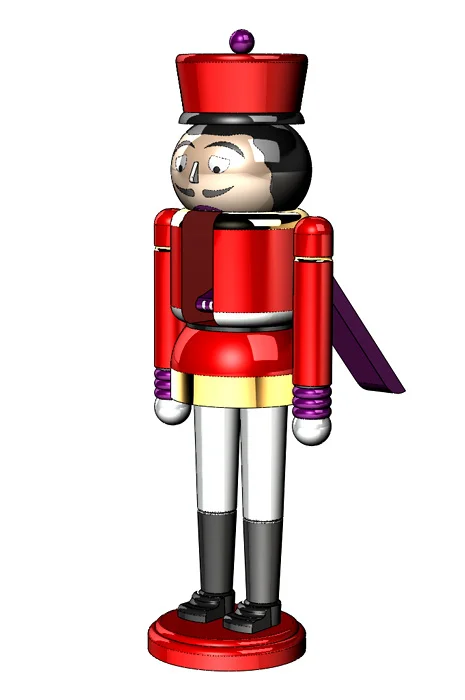
Nutcracker: This nutcracker showcases multi-body modeling to create a simple assembly. Revolve and extrude features create the main shapes of the nutcracker. Positions of the handle are represented with configurations and Move Body. Split Lines are used to divide faces of the model for applying appearances.
Download: Nutcracker Complexity: Basic Features: Revolve, Revolve Up to Surface, Split Line, Body-Move/Copy
Learn more on the SOLIDWORKS Part Reviewer or view all the Part Reviewer Tutorials here.
DraftSight Download: In conjunction with DraftSight, Dassault Systèmes’ 2D CAD product, the 2D drawing(.dwg) file of the Nutcracker tutorial is now available for download here.

solidworks