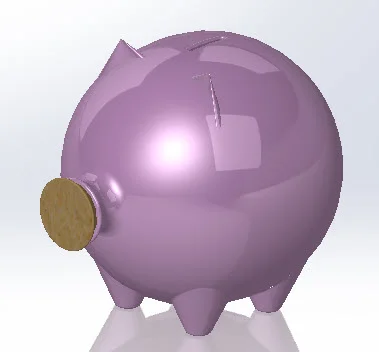
Piggy Bank: Let’s have a little fun and create a toy that’s a blast from our past! Download this FREE part and go through the step by step process on how this object was created. In addition, I would love to see you post your creative edits on this piggy bank. Would you add mud on the legs? Give it anime like eyes? Create a polka dot pattern on the base? Download the part below to get started!
Download: Piggy Bank Complexity: Basic Features used: Spline, Revolve, Draft, Extrude Cut
View all the Part Reviewer Tutorials here.
DraftSight Download: In conjunction with DraftSight, Dassault Systèmes’ 2D CAD product, the 2D drawing(.dwg) file of the Piggy Bank tutorial is now available for download here.

solidworks