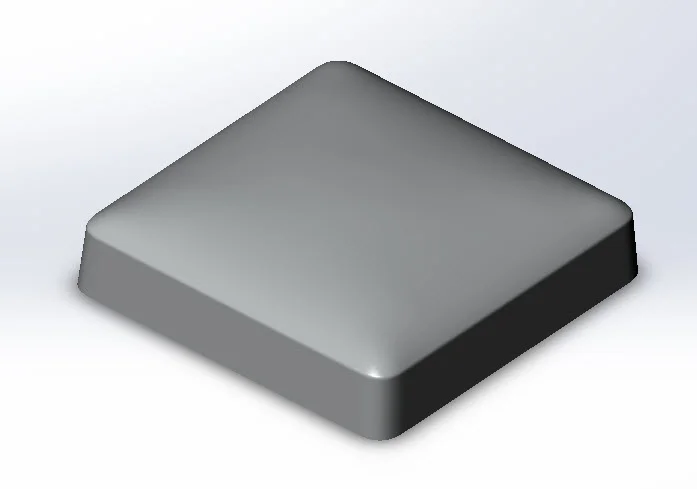
Pillow Shape: A curvature continuous fillet is based on a spline, not an arc, which results in a more cosmetic pleasing round that better reflects light. A revolved surface is created to act as the very top of the pillow shape. A split line is used to split the loft into two portions for creating the upper portion of the corner area. A surface fill is used to complete the shape; surface fill is useful as it creates a larger surface than required and trims it back to fit the opening. A sketch with a tangent arc is used to create a cleaner edge at the top of the pillow shape. The surface body is patterned to complete the shape.
Download: Pillow Shape Complexity: Basic Features: Fillet, Delete Body, Circular Pattern, Knit Surface, Ruled Surface, Ridge Surface Loft
View all the Part Reviewer Tutorials here.
DraftSight Download: In conjunction with DraftSight, Dassault Systèmes’ 2D CAD product, the 2D drawing(.dwg) file of the Pillow Shape tutorial is now available for download here.

solidworks