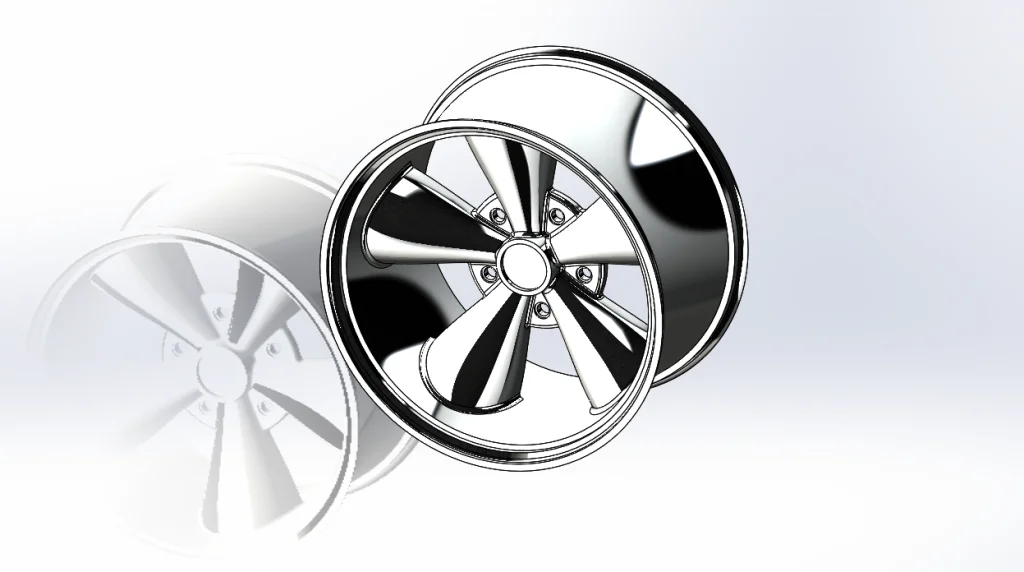
Simple Surface Part 6: The rim is a Revolved Thin Feature (Thin is an open section). This models demonstrates Hybrid Modeling (use of both solid and surface bodies to create geometry). The rim and hub are solid bodies. The spokes and center piece are surface bodies that will be turned into a solid and all three bodies will be combined into one solid. To learn more, check out Part 1, Part 2, Part 3, Part 4 and Part 5 of the Simple Surface Part Reviewer tutorial series!
Download: Simple Surface Part 6 Complexity: Basic Features: Boundary Surface, Surface Plane, Surface Knit, Fillet, Move Face, Thicken, Circular Pattern
View all the Part Reviewer Tutorials here.
DraftSight Download: In conjunction with DraftSight, Dassault Systèmes’ 2D CAD product, the 2D drawing(.dwg) file of the Simple Surface Part 6 tutorial is now available for download here.


solidworks