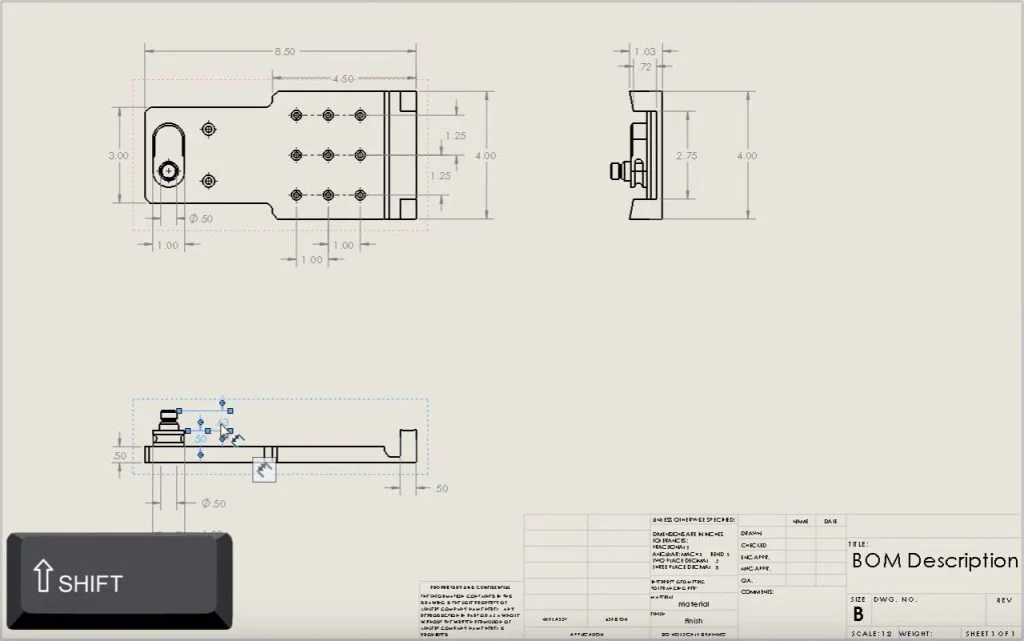

Creating dimensions in drawing views can often be a time consuming process. This is especially true when there’s a lot of views included in the drawing. To make it easier to add dimensions to views, SOLIDWORKS can move or copy dimensions from one view to another. All it takes is a single keystroke combined with a mouse drag on screen. Check out the video below to learn more!
Want to see more SOLIDWORKS Tech Tips? Check out our playlist on YouTube to catch up on past videos or you can even jump ahead to the next video!
Do you have a suggestion for the next Tech Tip? Tell us in the comments; we’d love to hear your ideas!