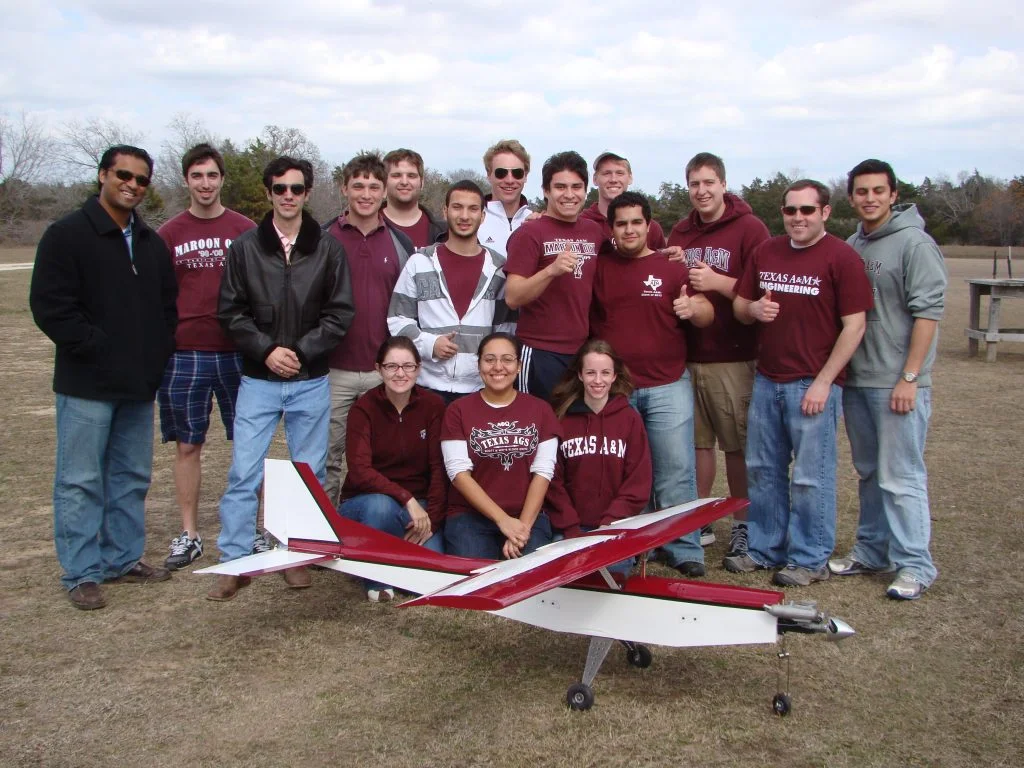

I first met members of the Texas A&M SAE Aero Design team when they displayed their plane at SolidWorks World 2011. So what is SAE Aero Design? You think of SAE for Formula, Baja, Hybrid – cars. But there is also serious competition for aerospace engineering students – this is not just a model airplane that I used to build with my dad. The SAE Aero competition requires great engineering and design skills.
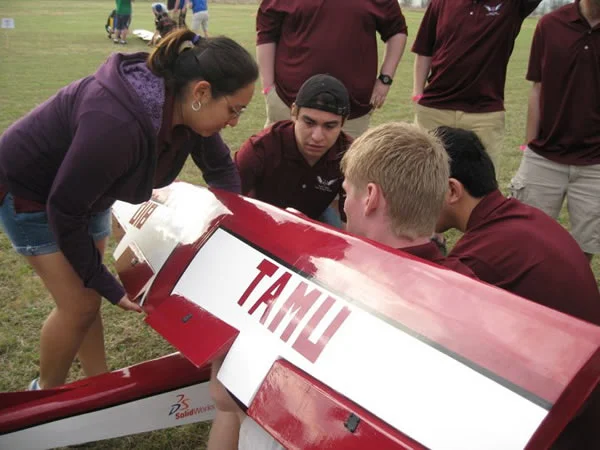
The aircraft must take off within 200 feet, have a total dimension of 225 inches, use a standard design engine, and carry different loads for every flight – while remaining stable.
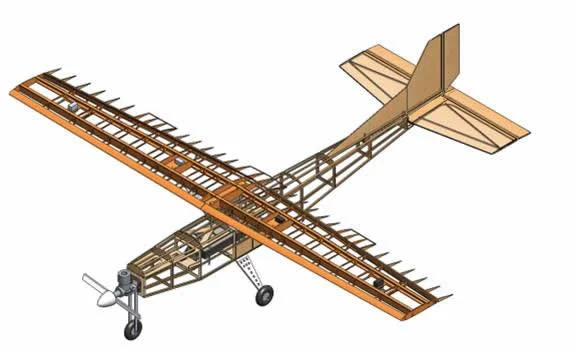
Texas A&M used a variety of SolidWorks software tools to design, analyze, and render their plane.
To turn on the Finite Element Applications (FEA) and Computational Fluid Dynamics Applications (CFD), Start SolidWorks, Select New, Part.
Go to Tools, Add Ins. Check one of the following:
SolidWorks Simulation for Finite Element Analysis
SolidWorks Motion for Kinematic Analysis
SolidWorks Flow Simulation for CFD Analysis
Once these applications are selected, a series of tutorials will appear under Help, SolidWorks Simulation Tutorials or SolidWorks Flow Simulation tutorials.
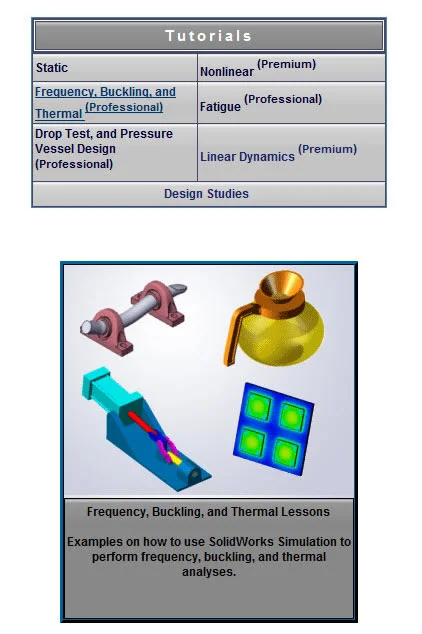
There are hundreds of simulation tutorials that can determine, stress, fatigue, vibration, non-linear and composite materials analysis, and event based motion. Some of the tutorials are theoretical – that provide the analytical solution and look more like examples would see in a text book – such as a plate with a hole or uni-axial bar, with simple boundary conditions. Other tutorials are more practical – simulating real world conditions.. Marie