
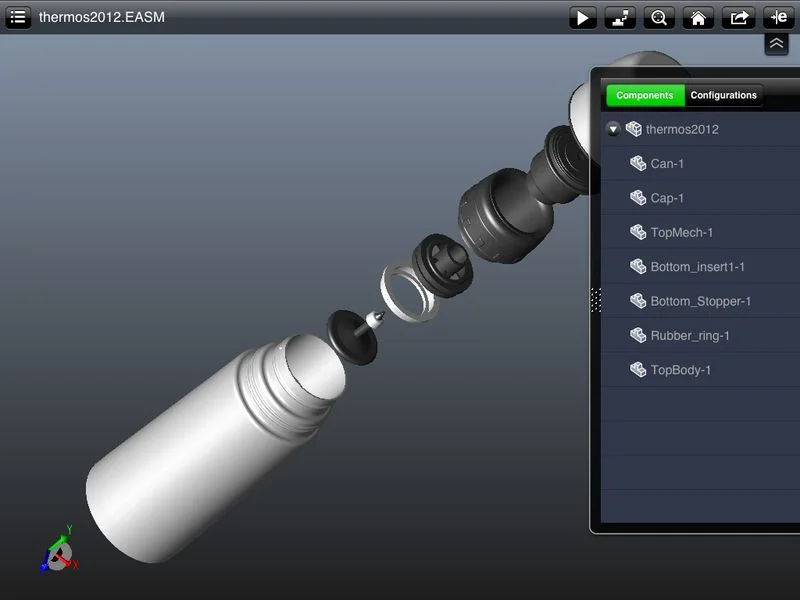
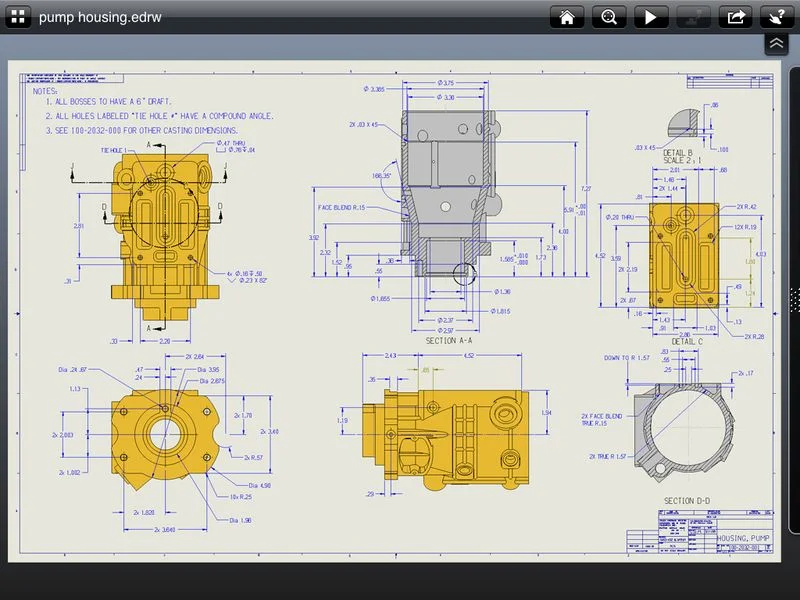
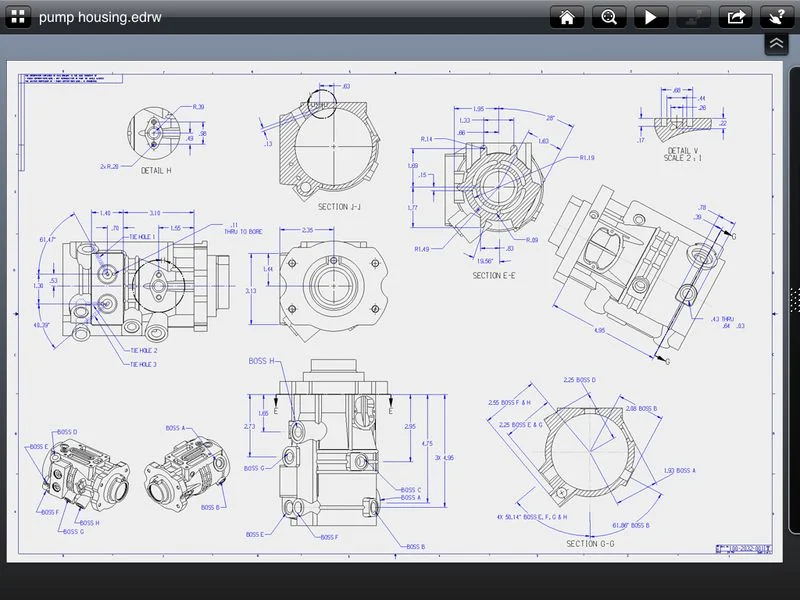
You’re constantly on the go, and the process of making sure you and your customers can understand and see what’s happening with a project hasn’t always been easy–up until now. In an effort to give you what you need, when/where you need it, we’re happy to announce the availability of eDrawings for iPad, an application that lets you bring your 2D and 3D files to a customer’s site, or to a sales meeting, and share the design concepts quickly and easily.
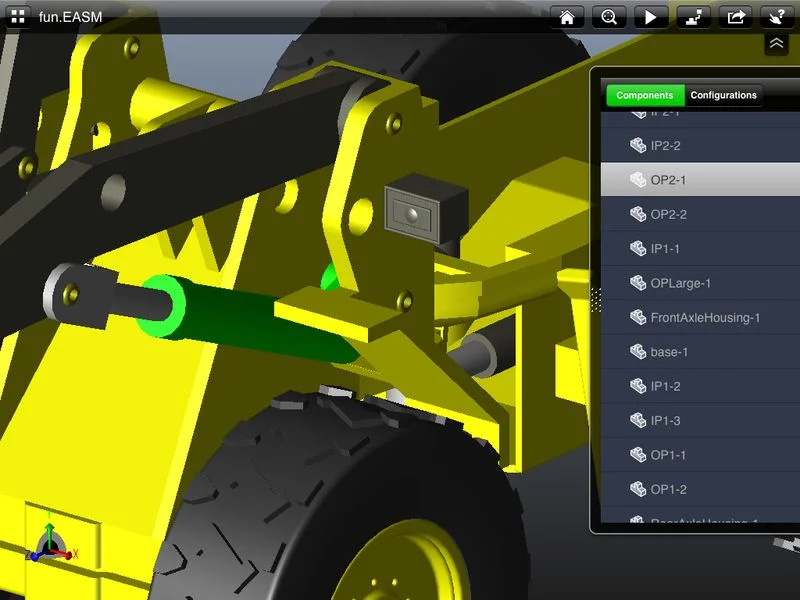
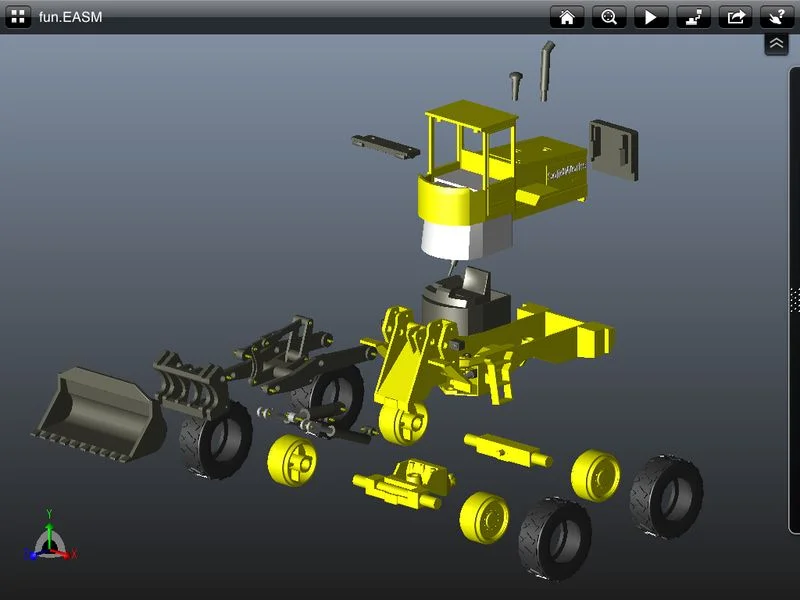
eDrawings® for iPad allows you to view and review native eDrawings® files, DraftSight® files, SolidWorks® parts, assemblies and drawings files, making it easy for engineers and non-engineers to interpret and understand 2D and 3D design using multi-touch gestures.
You can download eDrawings® for iPad today from the Apple store , and you can learn more about the features and functionality on the SolidWorks website.
How will you use eDrawings® for iPad? What files are you most looking forward to sharing? We welcome your thoughts below!



Matthew West