February 4, 2026 · DraftSight
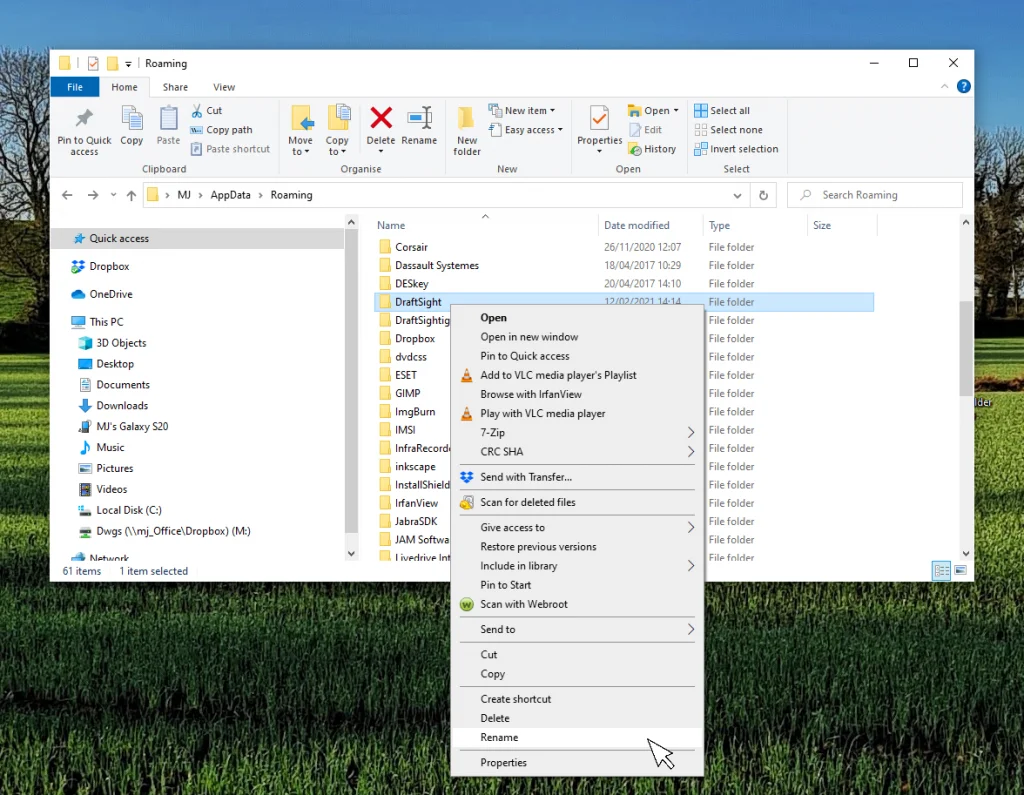
When DraftSight Needs a Fresh Start: How to Reset to Default Settings
 Read article
The Power of Customization with DraftSight
Are you looking for ways to make your DraftSight workflows faster and…
August 15, 2023
DraftSight’s Custom Blocks: Mirrors
In our last blog on creating activities in DraftSight’s Custom Blocks, we…
August 11, 2023
Streamlining Collaboration: DraftSight’s Pack and Go Feature
In today’s world, collaboration is more important than ever. Cloud collaboration platforms,…
August 4, 2023
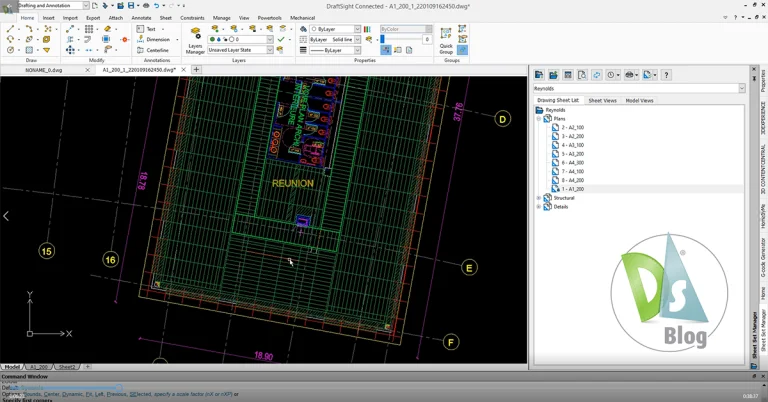
Optimize Projects: DraftSight Premium’s Sheet Set Manager
Recently, we talked to one of our customers, Josh, who’s also a…
July 27, 2023
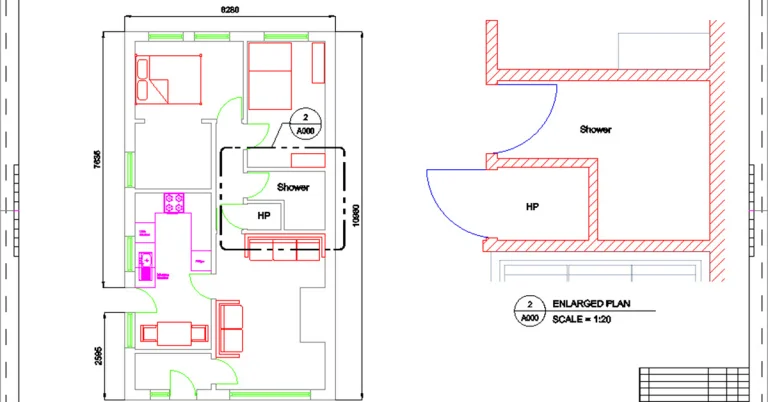
Viewport Overrides in DraftSight
Most DraftSight users employ the modern workflow for drawing their designs at…
July 14, 2023
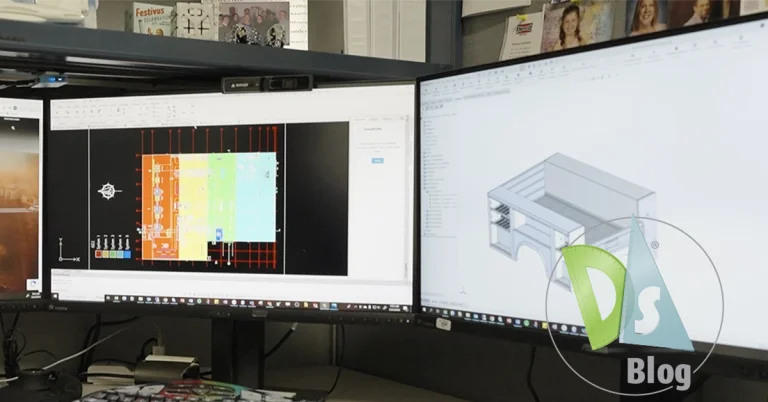
Driving Innovation: How Knapheide Manufacturing Company Benefits from...
If you’re in the market for a commercial truck bed or truck…
July 3, 2023

Efficiently Organize Your Designs with DraftSight’s Powerful Layers...
Organizing your drawing files by Layer is one of the core tasks…
June 28, 2023

Navigating the World of Licensing Options with DraftSight
This year, licensing has been in the news with a large CAD…
June 21, 2023
Organizing Dimensions with DraftSight’s Auto-Arrange Functionality
Dimensions are a crucial part of any drawing as they indicate the…
June 14, 2023