February 4, 2026 · DraftSight
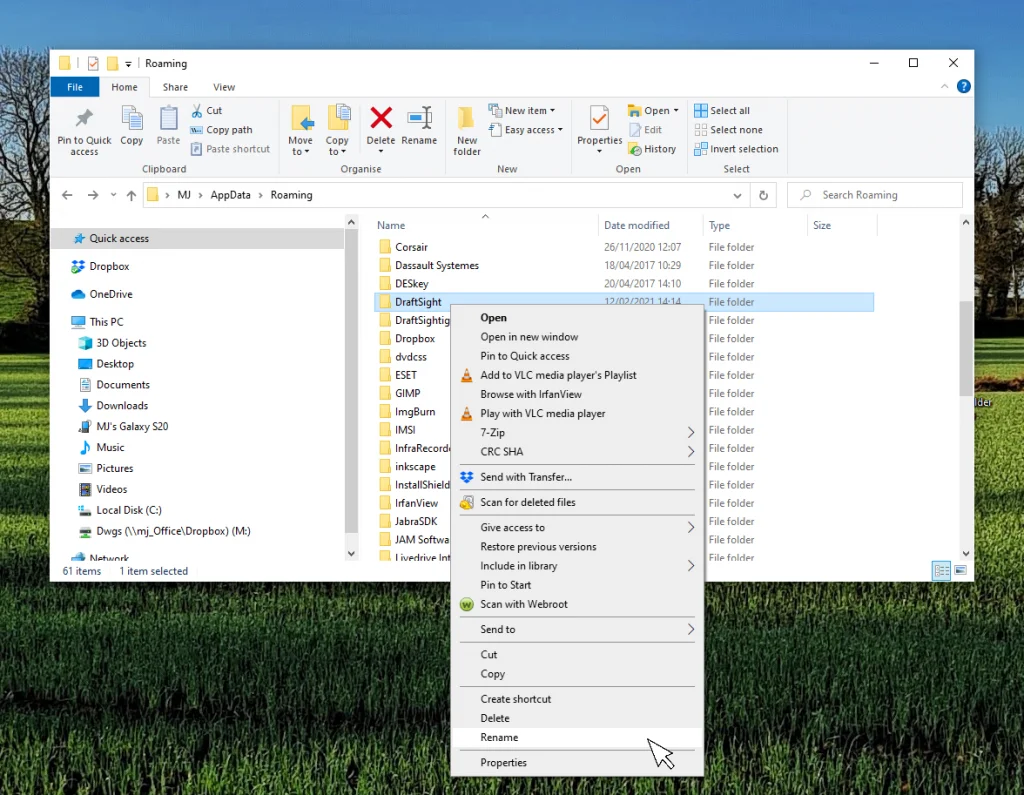
When DraftSight Needs a Fresh Start: How to Reset to Default Settings
 Read article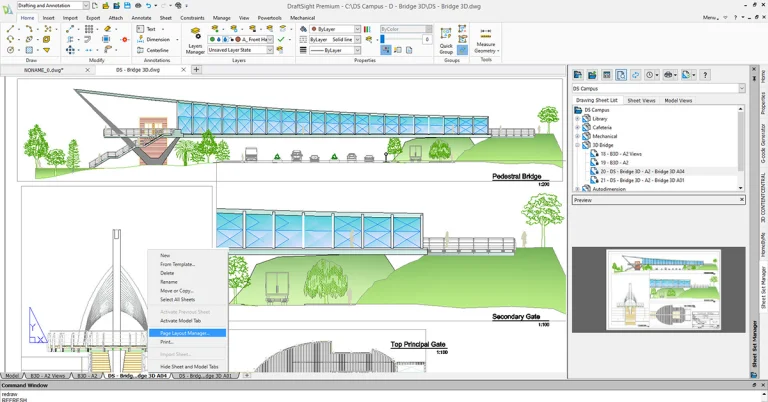
DraftSight 2023 New Features: Page Layout Manager
The DraftSight 2023 release includes one of our users’ most requested features.…
November 21, 2022
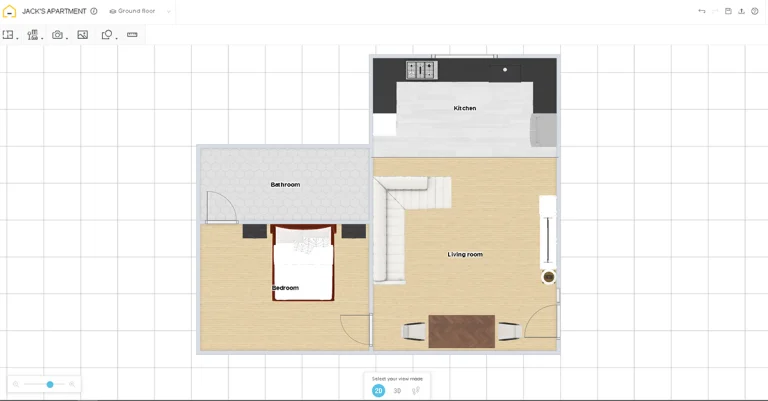
DraftSight 2023’s Enhanced Features: HomeByMe Integration
Some things are just better together – which is why we think…
November 18, 2022
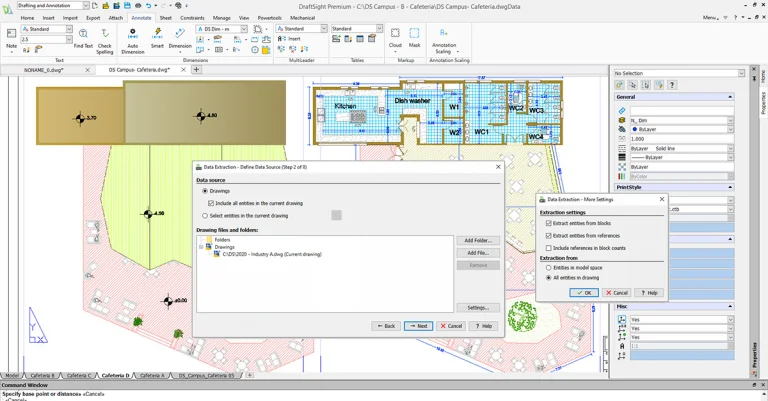
DraftSight 2023 New Features: Data Extraction Wizard
DraftSight 2023 lets you dig deep into your drawing files to gather…
November 10, 2022

DraftSight 2023 New Features: Contextual Ribbon Tabs
Access to the commands you need for your current workflow has been…
November 8, 2022
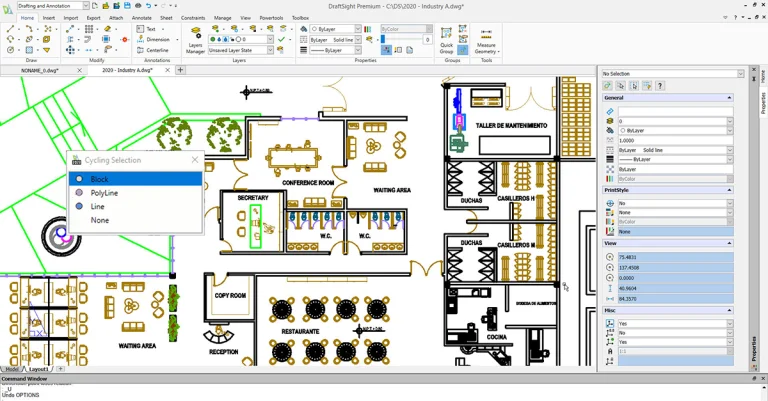
DraftSight 2023 New Features: Cycling Selection
Have you ever struggled with selecting the correct entity when multiple items…
November 3, 2022
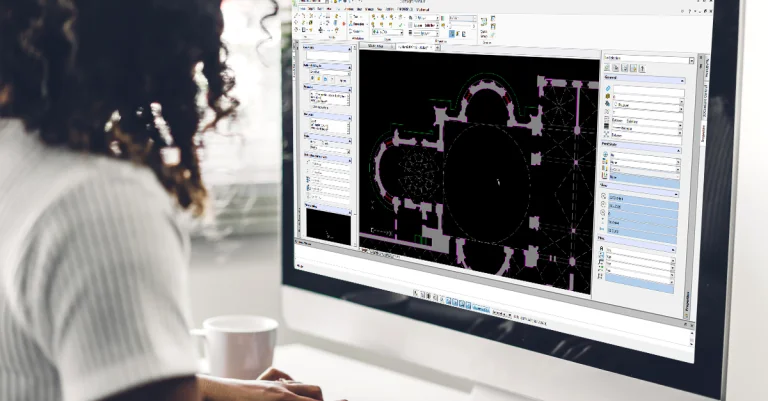
DraftSight 2023 New Features: Annotation Monitor
When annotation monitor is enabled, any dimension that has lost its association…
October 28, 2022

The Curious Persistence of 2D CAD – Part...
In the first part of this series, we introduced you to a…
October 27, 2022

Making a Teardrop Camper in DraftSight with Xyla...
Xyla Foxlin was able to turn her teardrop camper concept into a…
October 12, 2022

Experience Facility Management with DraftSight at DraftSight VE
Ready to master all things 2D drafting, design, and sharing? Attend DraftSight…
October 10, 2022